Every time a new technology has entered the creative industries, it’s been met with resistance.
When computers were introduced into design studios, many feared traditional drafting was finished. When digital photography replaced film, photographers worried their craft had lost its depth. When Photoshop arrived, people said it would cheapen photography.
But history tells a different story. These innovations didn’t end creativity — they expanded it. They made workflows faster, opened up new possibilities, and allowed professionals to focus more on the artistry behind the work.
AI is simply the next step in that evolution.
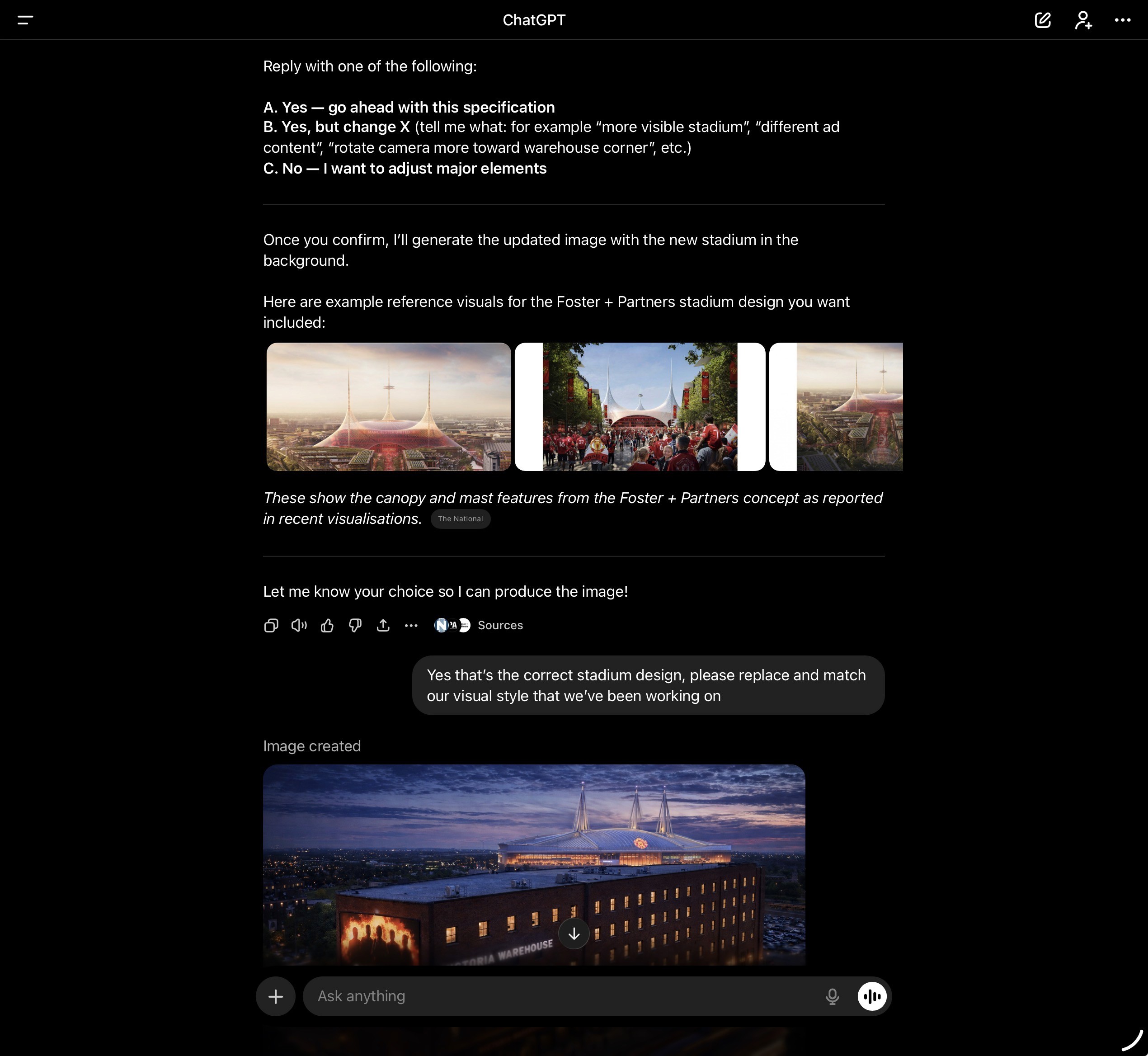
Why AI Strengthens the Visualisation Process. In the world of CGI and architectural visualisation, deadlines are tight, revisions are constant, and expectations for realism are sky-high. This is exactly where AI proves itself. Far from replacing the artist, it enhances the process and frees up more time for creativity.
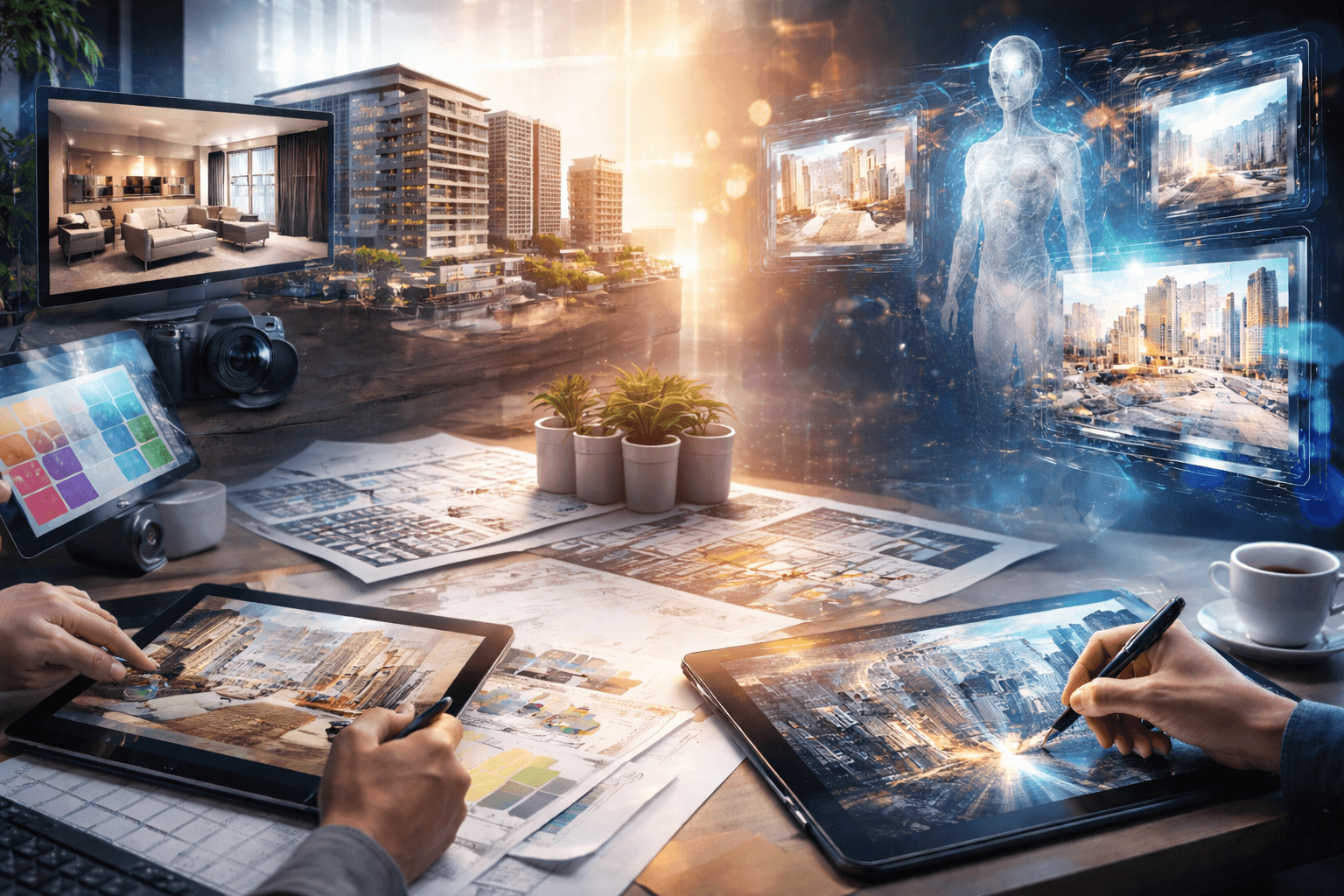
Here’s how AI flows through my workflow:
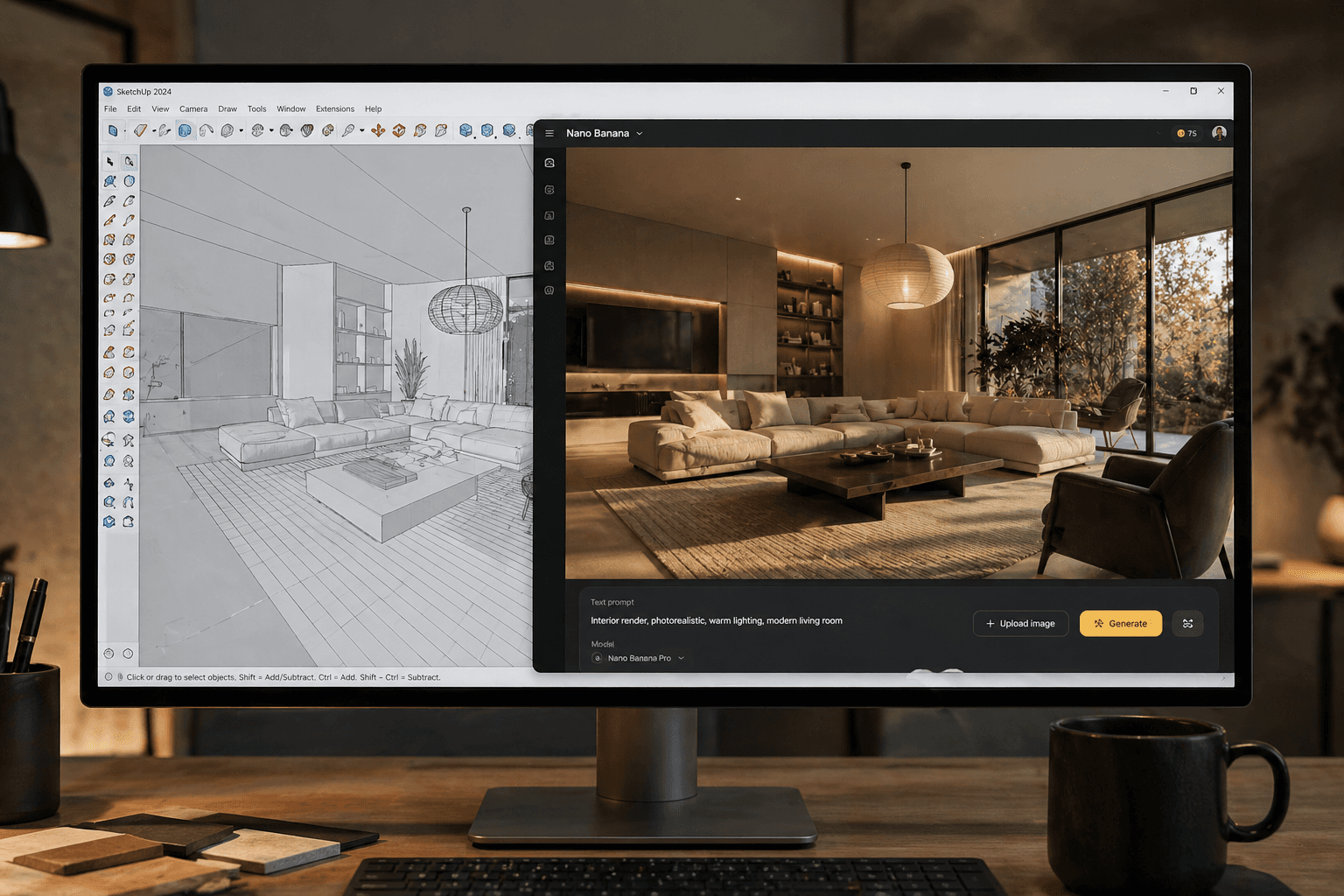
Concept Development: AI accelerates the early stages — helping me generate mood boards, test styles, or quickly explore material palettes. Instead of spending hours on first drafts, I can focus on shaping and refining ideas that resonate.
3D Modelling & Asset Creation: Where it makes sense, AI tools help generate starting assets or base textures. This means I can spend less time recreating minor details and more time perfecting the key elements that bring a design to life.
Lighting & Atmosphere: Testing light is one of the most iterative parts of visualisation. AI allows me to experiment with multiple moods in minutes, so I can lock in the right atmosphere early without burning through rendering time.
Material & Texture Workflow: AI helps generate or clean up seamless textures, which I then refine in tools like Photoshop or Substance. This speeds up one of the most time-intensive parts of the pipeline while still keeping creative control in my hands.
Post-Production & Finishing: From cleaning noise in renders to experimenting with colour grading, AI takes care of repetitive tasks instantly. That leaves me more time to refine the storytelling elements: the mood, realism, and detail that make an image resonate.
Animation & Motion: AI-assisted frame interpolation and upscaling reduce rendering times without sacrificing quality — a huge benefit for walk-throughs or flythrough animations where efficiency matters most.
The Benefits for Clients and Peers: Speed & Efficiency – Faster workflows mean deadlines are met without compromising quality. Cost-Effective – Less time on repetitive tasks means better use of budgets. Higher Quality – Freed from technical bottlenecks, I can push creative storytelling and detail further. Future-Ready – Embracing new tools ensures clients and collaborators know they’re working with a studio that’s innovative and up to date.
Looking Ahead. AI is not the end of creativity — it’s the next tool in our kit. Just as previous generations adapted to computers, digital photography, and Photoshop, we as visualisers and designers must evolve too.
For me, AI doesn’t take away the artistry of visualisation. It strengthens it. It gives me back the time to focus on the details that really matter: atmosphere, emotion, and storytelling.
In an industry where every project is about bringing ideas to life before they’re built, AI is helping me do that faster, smarter, and at an even higher standard.
Every time a new technology has entered the creative industries, it’s been met with resistance.
When computers were introduced into design studios, many feared traditional drafting was finished. When digital photography replaced film, photographers worried their craft had lost its depth. When Photoshop arrived, people said it would cheapen photography.
But history tells a different story. These innovations didn’t end creativity — they expanded it. They made workflows faster, opened up new possibilities, and allowed professionals to focus more on the artistry behind the work.
AI is simply the next step in that evolution.
Why AI Strengthens the Visualisation Process. In the world of CGI and architectural visualisation, deadlines are tight, revisions are constant, and expectations for realism are sky-high. This is exactly where AI proves itself. Far from replacing the artist, it enhances the process and frees up more time for creativity.
Here’s how AI flows through my workflow:
Concept Development: AI accelerates the early stages — helping me generate mood boards, test styles, or quickly explore material palettes. Instead of spending hours on first drafts, I can focus on shaping and refining ideas that resonate.
3D Modelling & Asset Creation: Where it makes sense, AI tools help generate starting assets or base textures. This means I can spend less time recreating minor details and more time perfecting the key elements that bring a design to life.
Lighting & Atmosphere: Testing light is one of the most iterative parts of visualisation. AI allows me to experiment with multiple moods in minutes, so I can lock in the right atmosphere early without burning through rendering time.
Material & Texture Workflow: AI helps generate or clean up seamless textures, which I then refine in tools like Photoshop or Substance. This speeds up one of the most time-intensive parts of the pipeline while still keeping creative control in my hands.
Post-Production & Finishing: From cleaning noise in renders to experimenting with colour grading, AI takes care of repetitive tasks instantly. That leaves me more time to refine the storytelling elements: the mood, realism, and detail that make an image resonate.
Animation & Motion: AI-assisted frame interpolation and upscaling reduce rendering times without sacrificing quality — a huge benefit for walk-throughs or flythrough animations where efficiency matters most.
The Benefits for Clients and Peers: Speed & Efficiency – Faster workflows mean deadlines are met without compromising quality. Cost-Effective – Less time on repetitive tasks means better use of budgets. Higher Quality – Freed from technical bottlenecks, I can push creative storytelling and detail further. Future-Ready – Embracing new tools ensures clients and collaborators know they’re working with a studio that’s innovative and up to date.
Looking Ahead. AI is not the end of creativity — it’s the next tool in our kit. Just as previous generations adapted to computers, digital photography, and Photoshop, we as visualisers and designers must evolve too.
For me, AI doesn’t take away the artistry of visualisation. It strengthens it. It gives me back the time to focus on the details that really matter: atmosphere, emotion, and storytelling.
In an industry where every project is about bringing ideas to life before they’re built, AI is helping me do that faster, smarter, and at an even higher standard.