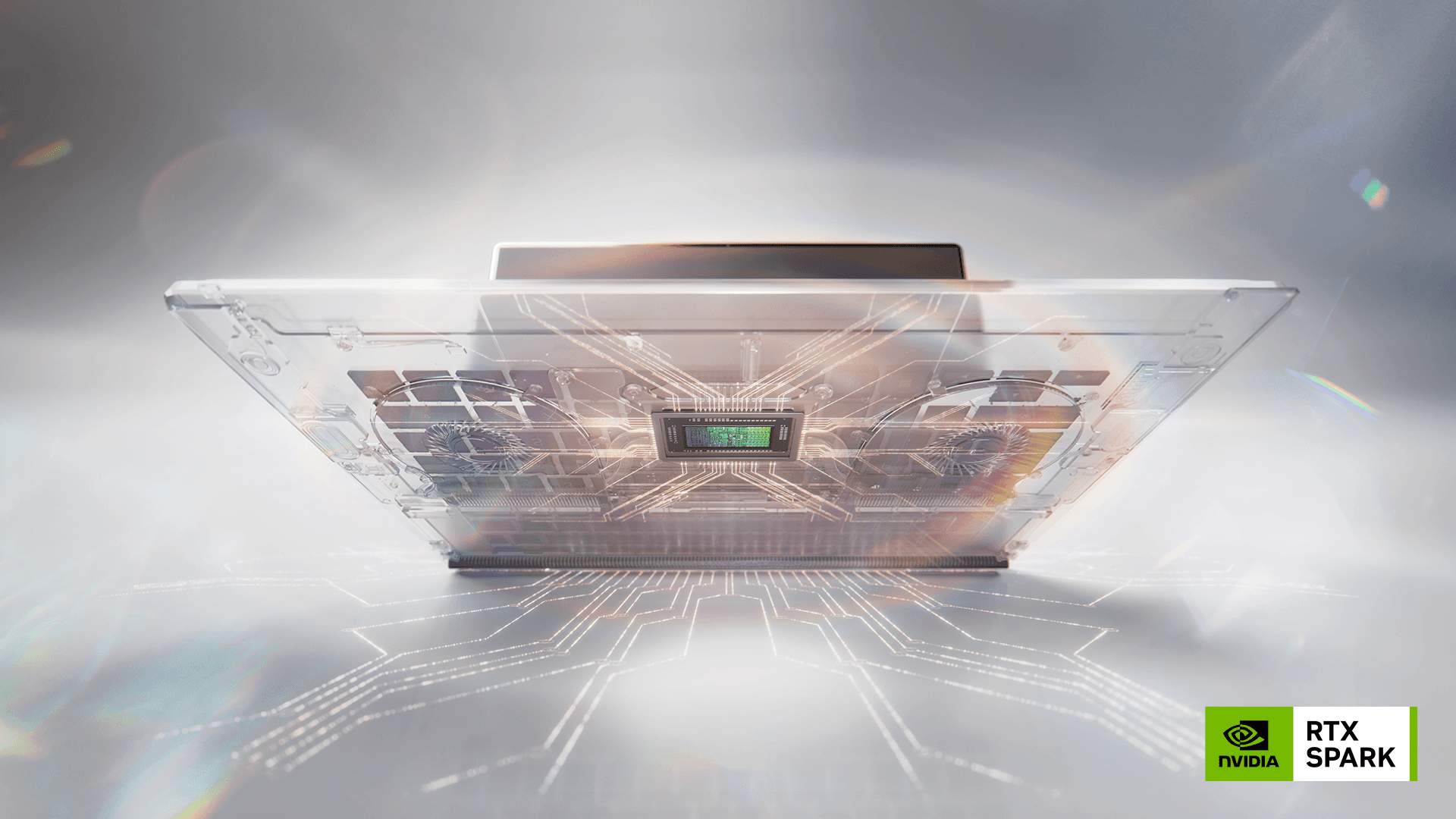
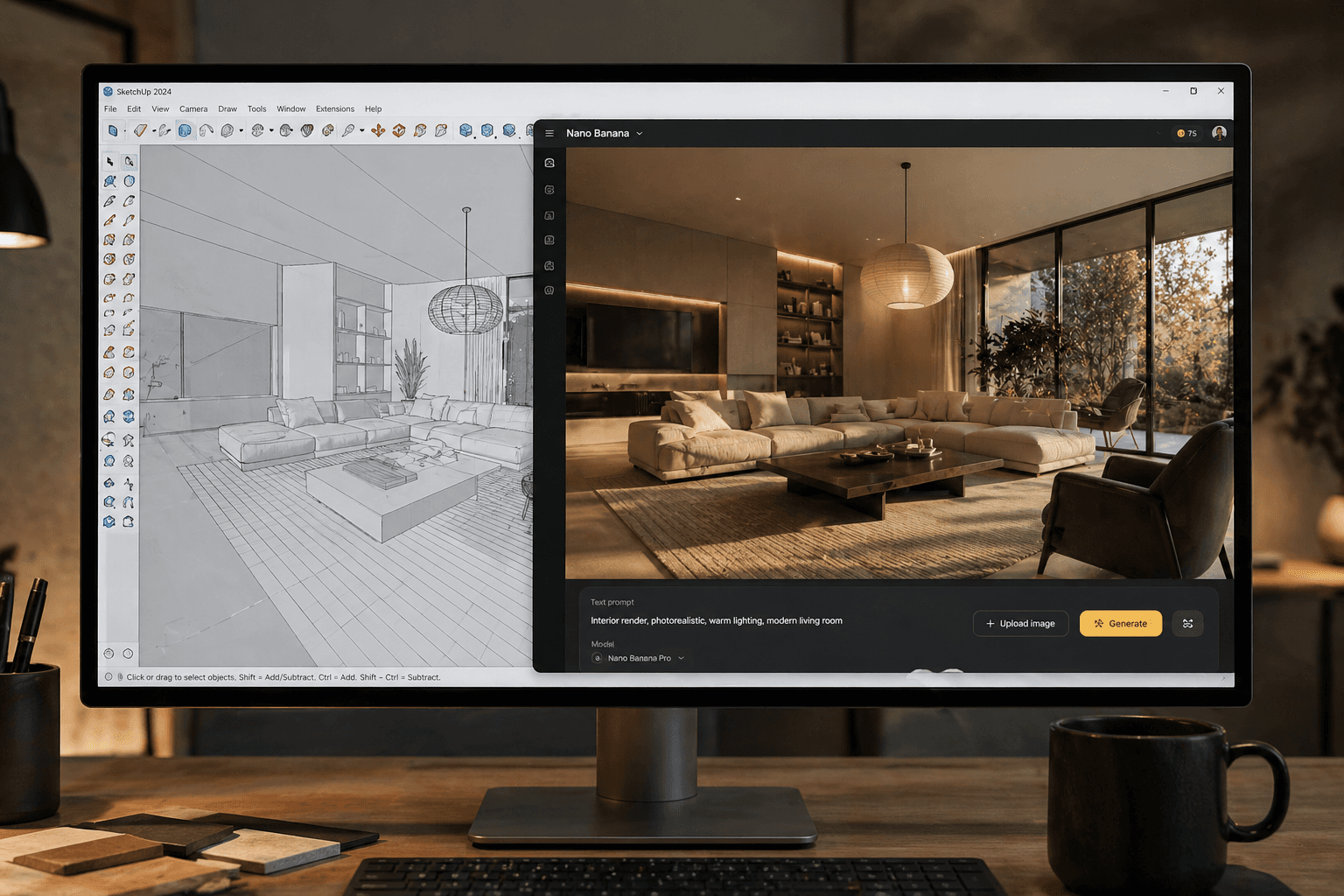
Earlier this year, I experimented with what I thought might be the ultimate setup for CGI visualisation — a maxed-out MacBook Pro M4 Max with 128GB RAM. On paper, the power was incredible, and as someone who has always admired MacBooks for their design, battery life, and intuitive interface, I wanted to see if I could finally make one the centre of my 3D workflow.
My typical pipeline includes 3ds Max with V-Ray, supported by Photoshop, Lightroom, and After Effects for post-production. Migrating this over to macOS wasn’t straightforward. Since 3ds Max isn’t available natively on Mac, I had to run Parallels and split the MacBook’s resources between macOS and Windows. While this worked for modelling, the cracks began to show when it came to GPU rendering.
V-Ray was searching for an NVIDIA RTX GPU for raytracing and OptiX acceleration — hardware that simply isn’t available on Apple’s architecture. The result? Performance dropped dramatically. On my usual Windows laptop/PC, I can render out a 4.5K image in 20–30 seconds. On the MacBook, it didn’t even come close to that speed or efficiency.
I even considered changing my entire workflow to suit the Mac — running Blender instead of 3ds Max just to stay within the Apple ecosystem. But in reality, that would have meant retraining, adapting to new software quirks, and risking slower delivery times for clients. For a working CGI artist, that’s not a sustainable option.
In the end, I returned the MacBook and replaced it with a Razer Blade 16 — for around £1,000 less. Out of the box, it came with an NVIDIA RTX 4090 GPU, and I upgraded the RAM myself to 96GB. The difference is night and day. It’s powerful enough to chew through high-resolution renders, yet portable enough for remote work. It’s not as sleek as a MacBook, but when deadlines are tight, performance is what matters most.
That said, my admiration for Apple hasn’t changed. I still love MacBooks for their design, interface, and unmatched battery life. But for 3D visualisation, rendering, and digital content creation — whether that’s images, animations, or 360 tours for interior design, architecture, and product design companies — I need a machine that works seamlessly with my tools. For now, that means Windows and NVIDIA.
I’d love to hear from others in the industry: Have you tried running high-end CGI workflows on a MacBook? Has anyone had success with an eGPU setup in production?
Earlier this year, I experimented with what I thought might be the ultimate setup for CGI visualisation — a maxed-out MacBook Pro M4 Max with 128GB RAM. On paper, the power was incredible, and as someone who has always admired MacBooks for their design, battery life, and intuitive interface, I wanted to see if I could finally make one the centre of my 3D workflow.
My typical pipeline includes 3ds Max with V-Ray, supported by Photoshop, Lightroom, and After Effects for post-production. Migrating this over to macOS wasn’t straightforward. Since 3ds Max isn’t available natively on Mac, I had to run Parallels and split the MacBook’s resources between macOS and Windows. While this worked for modelling, the cracks began to show when it came to GPU rendering.
V-Ray was searching for an NVIDIA RTX GPU for raytracing and OptiX acceleration — hardware that simply isn’t available on Apple’s architecture. The result? Performance dropped dramatically. On my usual Windows laptop/PC, I can render out a 4.5K image in 20–30 seconds. On the MacBook, it didn’t even come close to that speed or efficiency.
I even considered changing my entire workflow to suit the Mac — running Blender instead of 3ds Max just to stay within the Apple ecosystem. But in reality, that would have meant retraining, adapting to new software quirks, and risking slower delivery times for clients. For a working CGI artist, that’s not a sustainable option.
In the end, I returned the MacBook and replaced it with a Razer Blade 16 — for around £1,000 less. Out of the box, it came with an NVIDIA RTX 4090 GPU, and I upgraded the RAM myself to 96GB. The difference is night and day. It’s powerful enough to chew through high-resolution renders, yet portable enough for remote work. It’s not as sleek as a MacBook, but when deadlines are tight, performance is what matters most.
That said, my admiration for Apple hasn’t changed. I still love MacBooks for their design, interface, and unmatched battery life. But for 3D visualisation, rendering, and digital content creation — whether that’s images, animations, or 360 tours for interior design, architecture, and product design companies — I need a machine that works seamlessly with my tools. For now, that means Windows and NVIDIA.
I’d love to hear from others in the industry: Have you tried running high-end CGI workflows on a MacBook? Has anyone had success with an eGPU setup in production?